A field service app for your crew and office
Give your technicians one app for the day's route: the next stop, the drive time, the checklist, the readings and photos, and a report the customer gets the moment they finish. The office sees every stop as it's done, plans tomorrow's routes and keeps the billing in order.
The example is a pool cleaning and repair company, but the same pattern fits lawn care, pest control, HVAC, window cleaning, cleaning crews or any business that sends people to customers on a schedule.
Primio builds iOS and Android apps from a description in plain words. Free to try — no credit card required.
Example screens
Example app with made-up data.
-
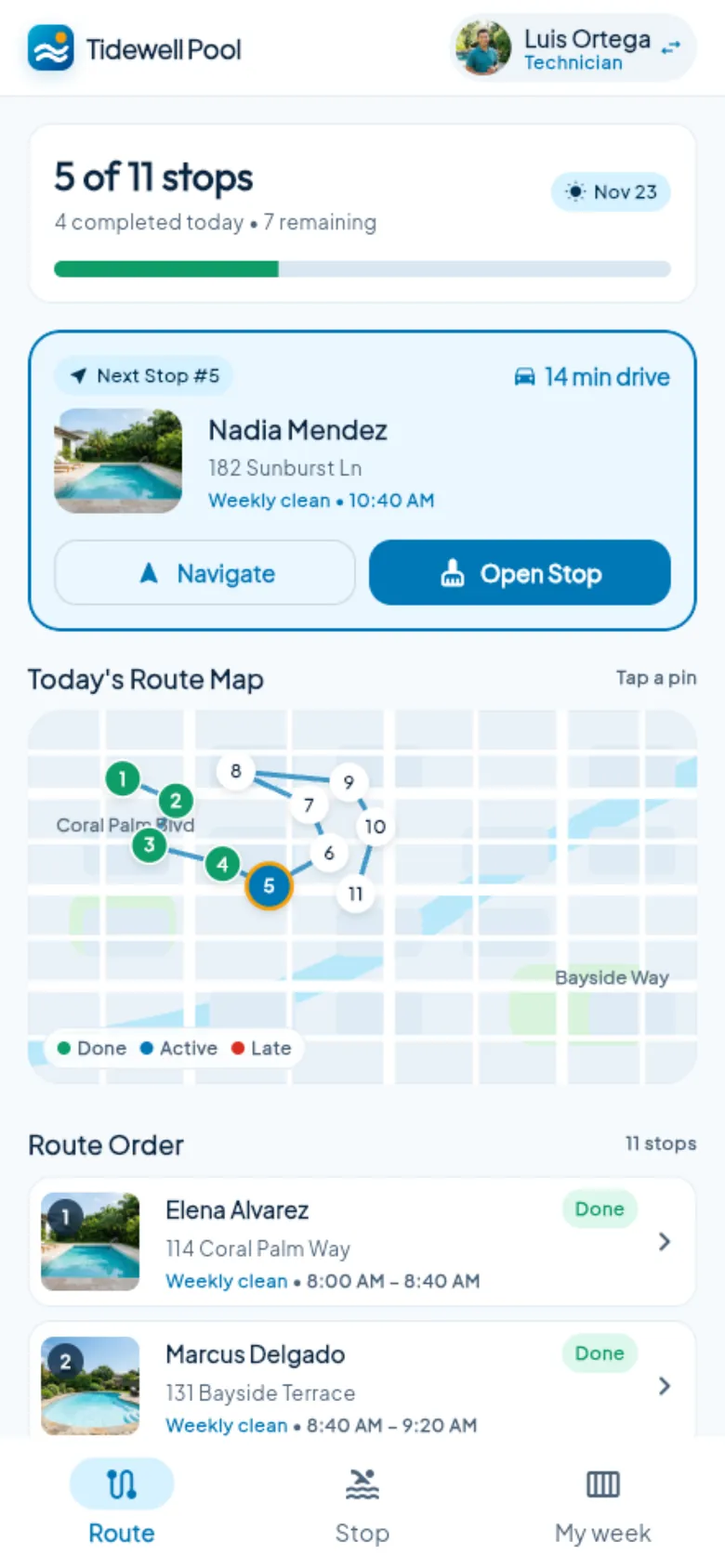
Today's route, with the next stop and a map
-
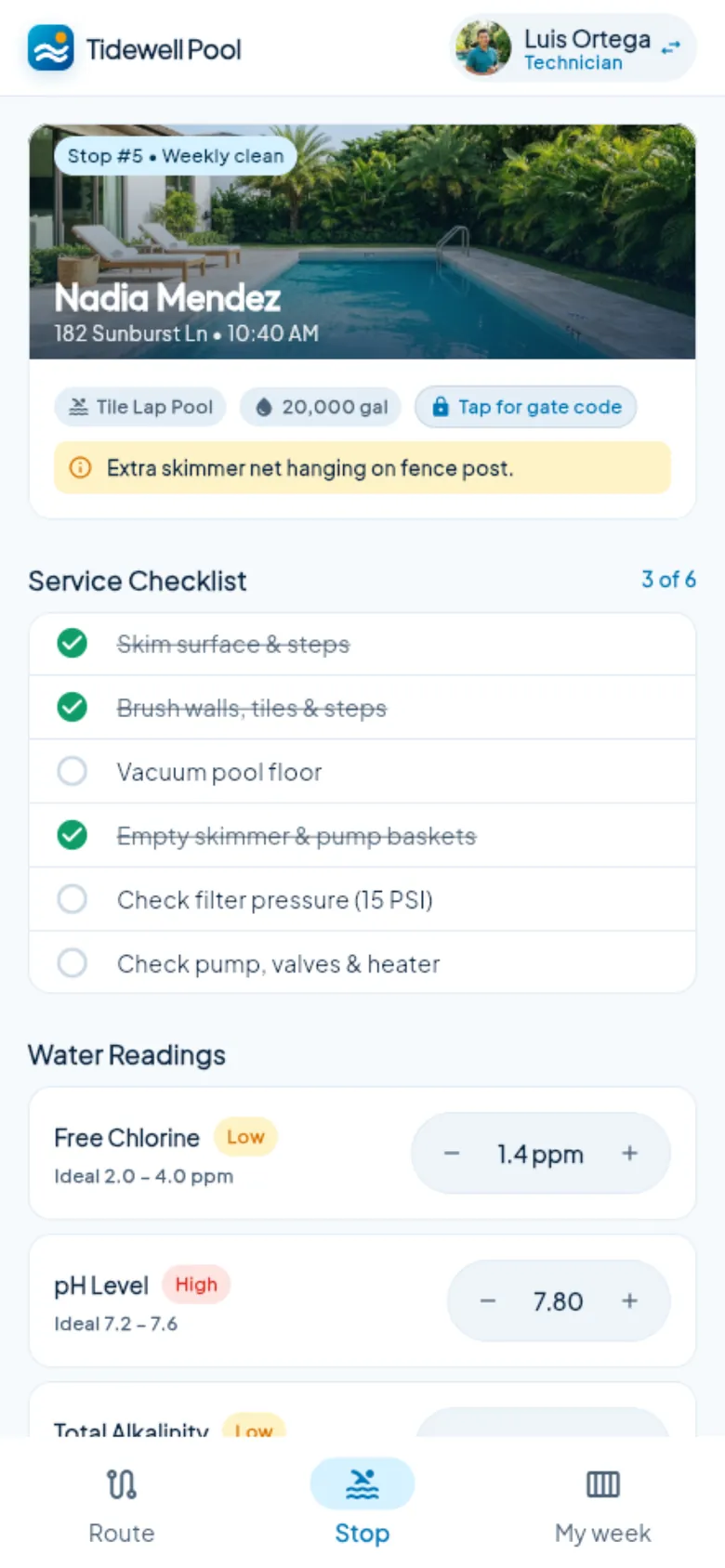
A stop with its checklist and water readings
-
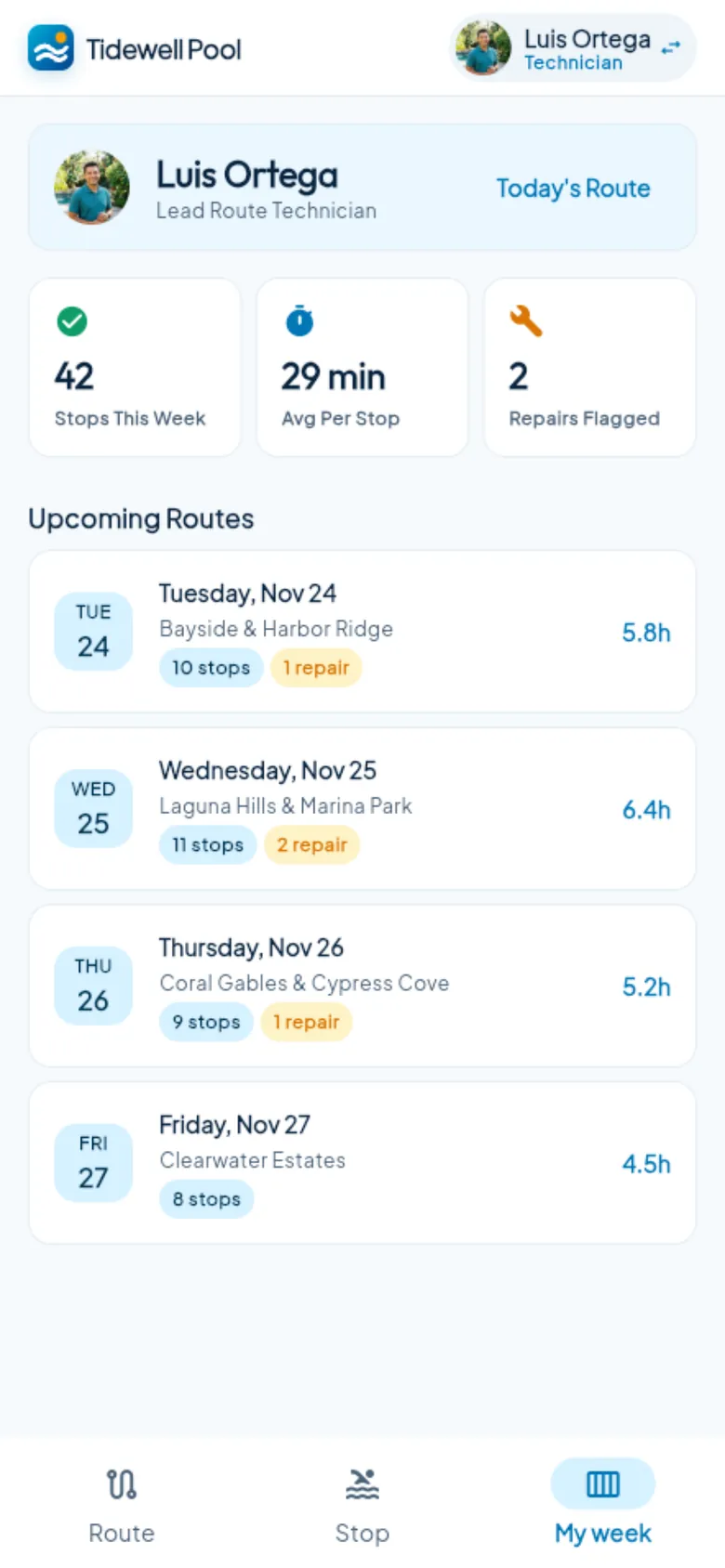
The technician's week and upcoming routes
What's in it
- Today's route on a map, with the next stop, drive time and progress
- A checklist, readings with ideal ranges and before and after photos at each stop
- Suggested amounts to add, worked out from the readings
- Repairs flagged with a photo and a priority, sent to the office to quote
- A service report the customer sees as soon as the stop is done
- An office side for live routes, customers, quotes and billing
Who it's for
Service businesses that send technicians on a route of customer visits every day and want the office to see the work as it happens.
- Pool cleaning and repair
- Lawn care and landscaping
- Pest control
- HVAC and appliance repair
- Cleaning and window crews
How it works
-
Describe your routes and visits
Name your services and plans, the checklist for each visit, the readings or measurements you take and what goes in the customer's report. Primio builds the technician and office sides around them.
-
Connect your team and customers
Give each technician and the office their own sign-in, keep customers, routes and reports in a shared database, and send reports and invoices by email or text.
-
Put it on your crew's phones
Publish to the App Store and Google Play, add your technicians and customers, and run tomorrow's routes from the app.
Questions and answers
Can the app show real maps and turn-by-turn directions?
Yes. A real app shows the route with a maps service such as Google Maps or Mapbox, and the Navigate button opens the phone's own navigation app at the next address. The example draws its map in code, because its addresses are made up.
Do technicians and the office see the same data?
Yes. Stops, readings, photos and repairs are kept in a shared Supabase database, so a stop a technician completes shows on the office side right away, and each person signs in to their own side.
How do customers get their service report?
When a technician completes a stop, the app can email or text the report with the readings, what was added and the photos, sent from a small backend like a Supabase Edge Function. The example shows the report as the customer would see it.
Can the office send invoices from the app?
Yes. Monthly plans and repair quotes can be billed with a payment provider such as Stripe, which emails the invoice and takes card payments. The example only shows a confirmation when you send an invoice or a reminder.
Guides in the docs
Other example apps
All use cases-
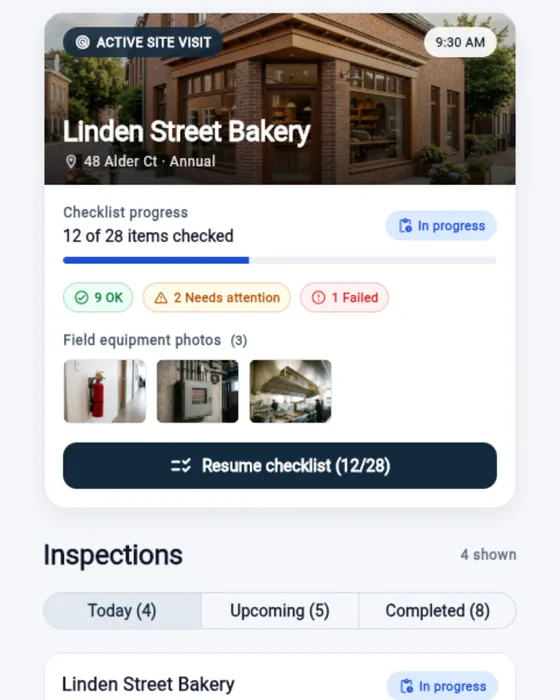 Inspections Checklists, photos and reports from the field
-
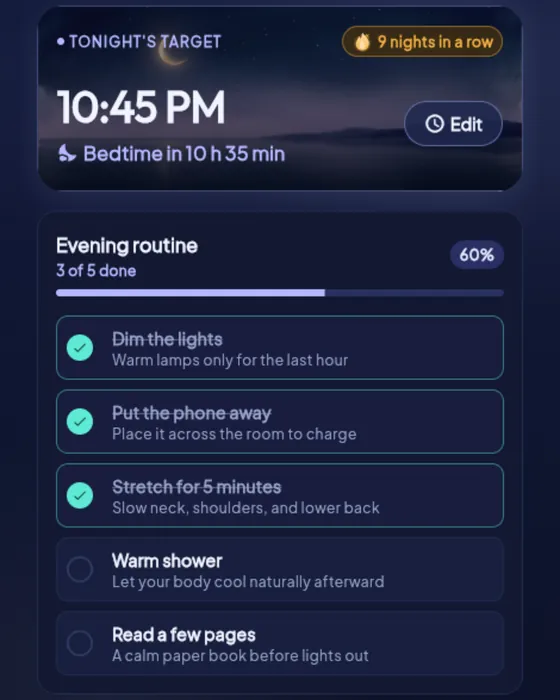 Habit tracker Routines, logs, insights and a Pro plan
-
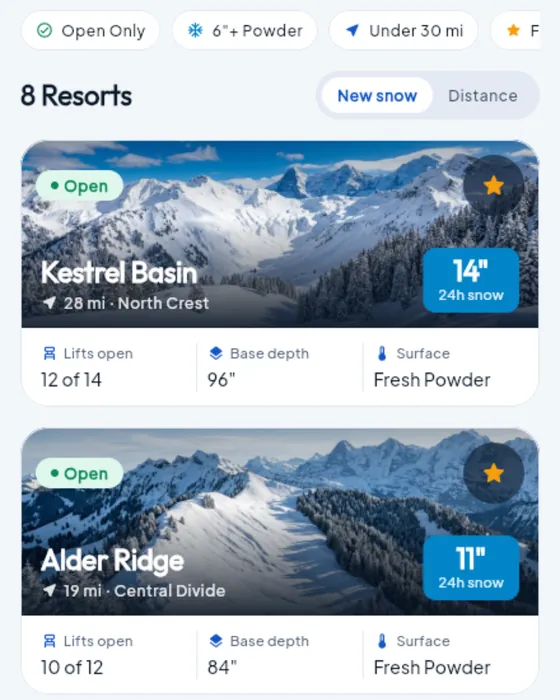 Live conditions Live status, favorites, alerts and a map
-
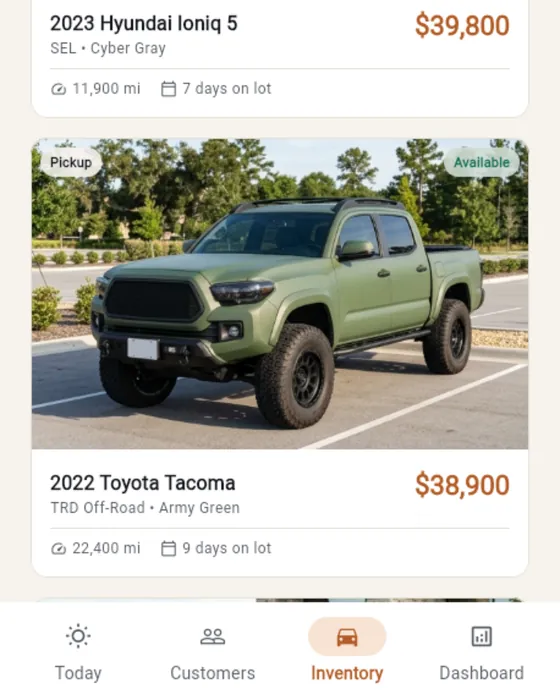 Sales CRM Leads, follow-ups, a pipeline and a sales dashboard
-
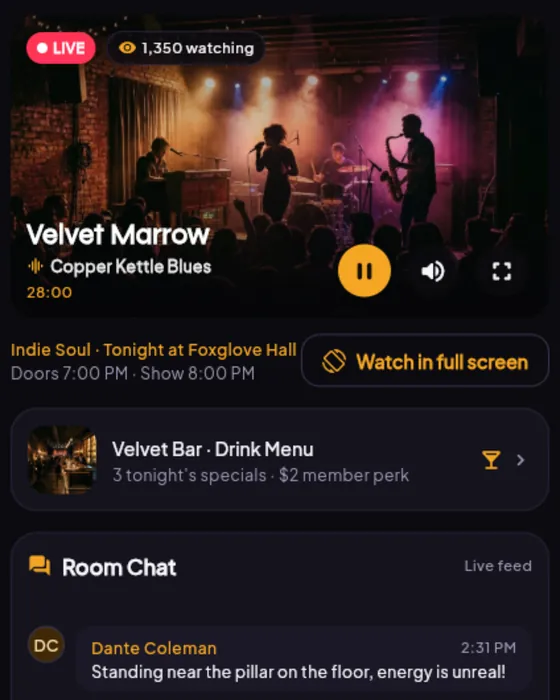 Live events Tickets, a live stream, replays and door check-in
-
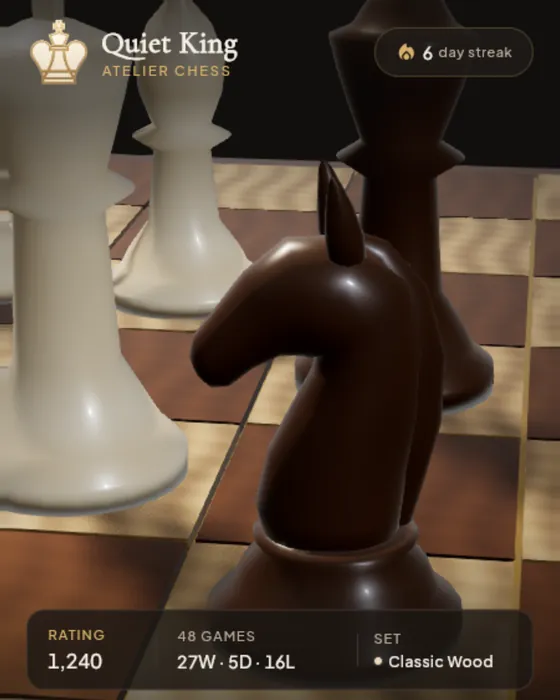 3D game A 3D board, computer opponents and sets to buy
-
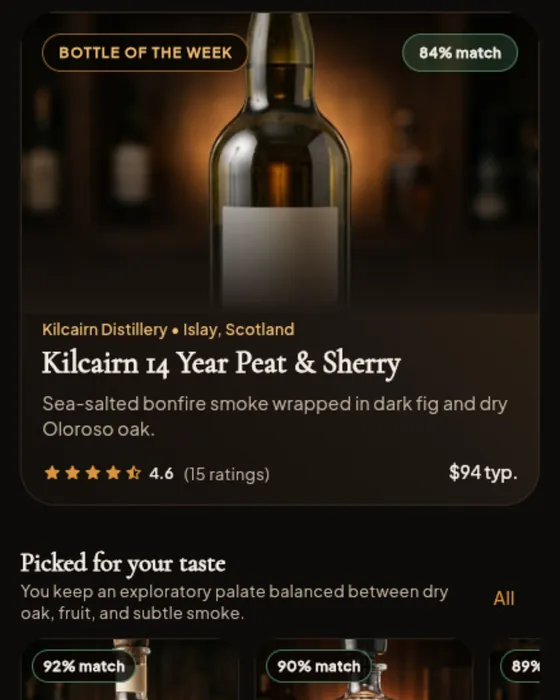 Scan and rate Scan a product, read ratings, keep a collection
-
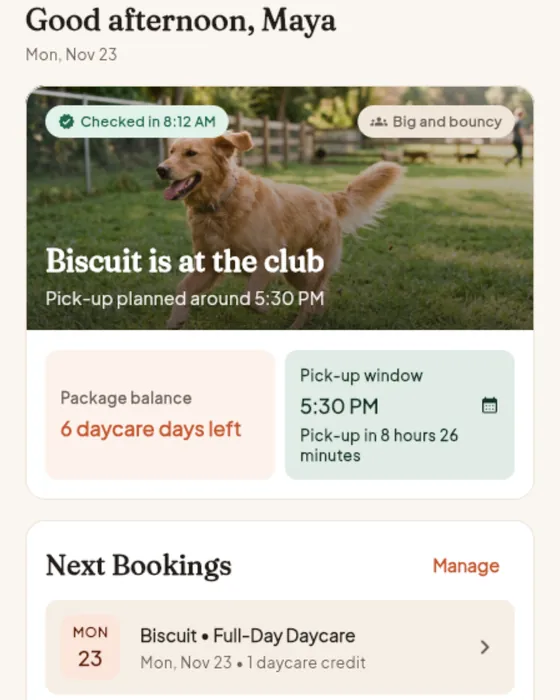 Pet care Bookings, packages and photo updates for owners
-
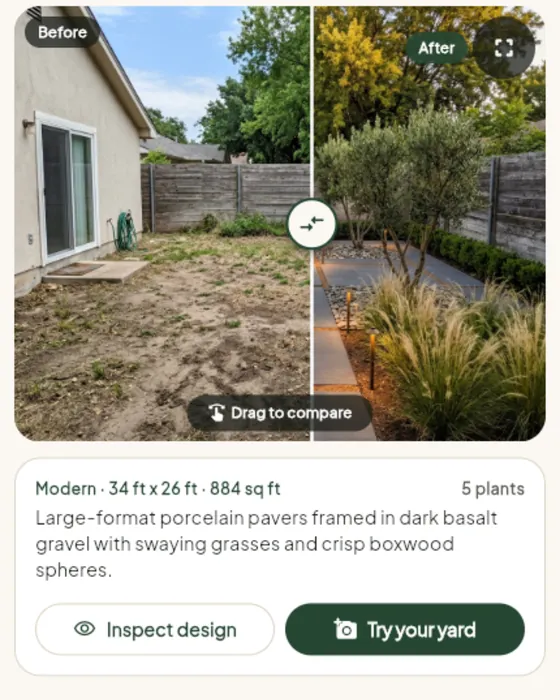 AI redesign Before-and-after makeovers from a single photo