
Supabase Authentication
Apps with user accounts need secure logins, password resets, and email verification. Instead of building all that yourself, Supabase’s built-in authentication system handles the heavy security work for you — so you can focus on your actual app.
How Supabase authentication works
Section titled “How Supabase authentication works”When you create a Supabase project, you automatically get:
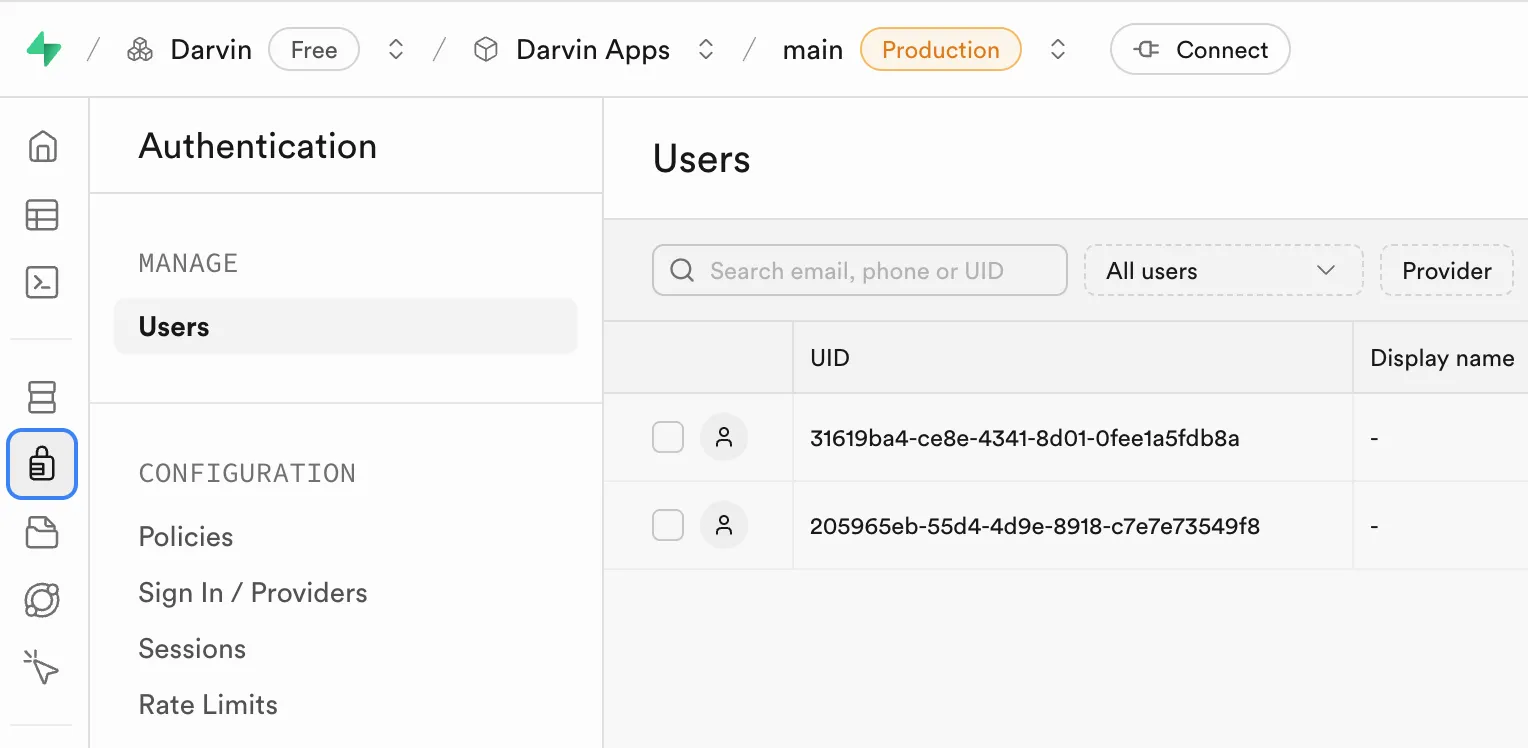
- A secure Users table (visible under Authentication → Users in your dashboard)
- Built-in sign-up, login, and password-reset flows
- Email verification and other security features out of the box
That Users table is locked down and meant only for login security. For app-specific data — names, avatars, preferences — you create your own table in the public schema.
Why create a profiles table
Section titled “Why create a profiles table”Think of it this way:
| Table | Purpose |
|---|---|
auth.users | Secure login system — managed by Supabase |
public.profiles | User data your app actually needs |
When someone signs up, both work together automatically. Supabase handles the security; your profiles table stores everything else.
Step 1 — Generate the schema with AI
Section titled “Step 1 — Generate the schema with AI”Open your favourite AI chat tool — ChatGPT, Claude, Gemini, or Mistral — and prompt:
Create a profiles table schema tied to Supabase authenticationwith only essential fields (id, email, timestamps).The output may vary slightly depending on the AI model, but you should get SQL similar to this:
-- Essential profile table schema for Supabase authentication-- This works with Supabase's built-in auth.users table
-- Create profiles tableCREATE TABLE public.profiles (    id UUID REFERENCES auth.users(id) ON DELETE CASCADE PRIMARY KEY,    email TEXT UNIQUE NOT NULL,    created_at TIMESTAMP WITH TIME ZONE DEFAULT timezone('utc'::text, now()) NOT NULL,    updated_at TIMESTAMP WITH TIME ZONE DEFAULT timezone('utc'::text, now()) NOT NULL);
-- Enable Row Level SecurityALTER TABLE public.profiles ENABLE ROW LEVEL SECURITY;
-- Users can view their own profileCREATE POLICY "Users can view own profile" ON public.profiles    FOR SELECT USING (auth.uid() = id);
-- Users can update their own profileCREATE POLICY "Users can update own profile" ON public.profiles    FOR UPDATE USING (auth.uid() = id);
-- Users can insert their own profileCREATE POLICY "Users can insert own profile" ON public.profiles    FOR INSERT WITH CHECK (auth.uid() = id);
-- Auto-create profile when user signs upCREATE OR REPLACE FUNCTION public.handle_new_user()RETURNS TRIGGER AS $$BEGIN    INSERT INTO public.profiles (id, email)    VALUES (new.id, new.email);    RETURN new;END;$$ LANGUAGE plpgsql SECURITY DEFINER;
CREATE TRIGGER on_auth_user_created    AFTER INSERT ON auth.users    FOR EACH ROW EXECUTE PROCEDURE public.handle_new_user();
-- Auto-update updated_at on changesCREATE OR REPLACE FUNCTION public.handle_updated_at()RETURNS TRIGGER AS $$BEGIN    NEW.updated_at = timezone('utc'::text, now());    RETURN NEW;END;$$ LANGUAGE plpgsql;
CREATE TRIGGER profiles_updated_at    BEFORE UPDATE ON public.profiles    FOR EACH ROW EXECUTE PROCEDURE public.handle_updated_at();
-- Index for faster email lookupsCREATE INDEX profiles_email_idx ON public.profiles(email);
What is Row Level Security?
Section titled “What is Row Level Security?”RLS is Supabase’s mechanism that checks who is asking on every read or write. The policies above say:
- SELECT — Users can only read the row where
id = auth.uid() - INSERT / UPDATE — Users can only create or change their own row
Result: no user can peek at or edit someone else’s data.
Step 2 — Run the SQL in Supabase
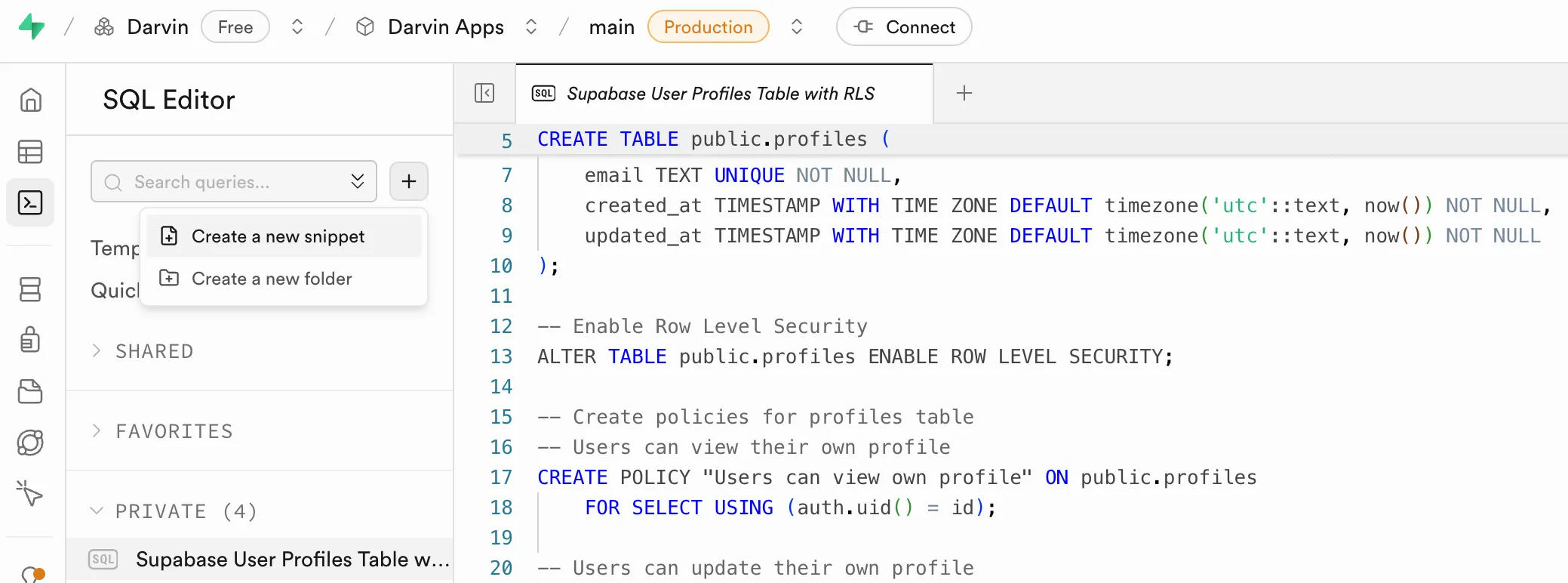
Section titled “Step 2 — Run the SQL in Supabase”- Open SQL Editor in your Supabase dashboard
- Click Create a new snippet
- Paste the SQL from Step 1
- Click RUN
Your profiles table will appear in Table Editor once it’s created.
Step 3 — Build your app with Primio
Section titled “Step 3 — Build your app with Primio”Now generate your app in Primio. Replace the placeholder URL and key with your actual Supabase credentials:
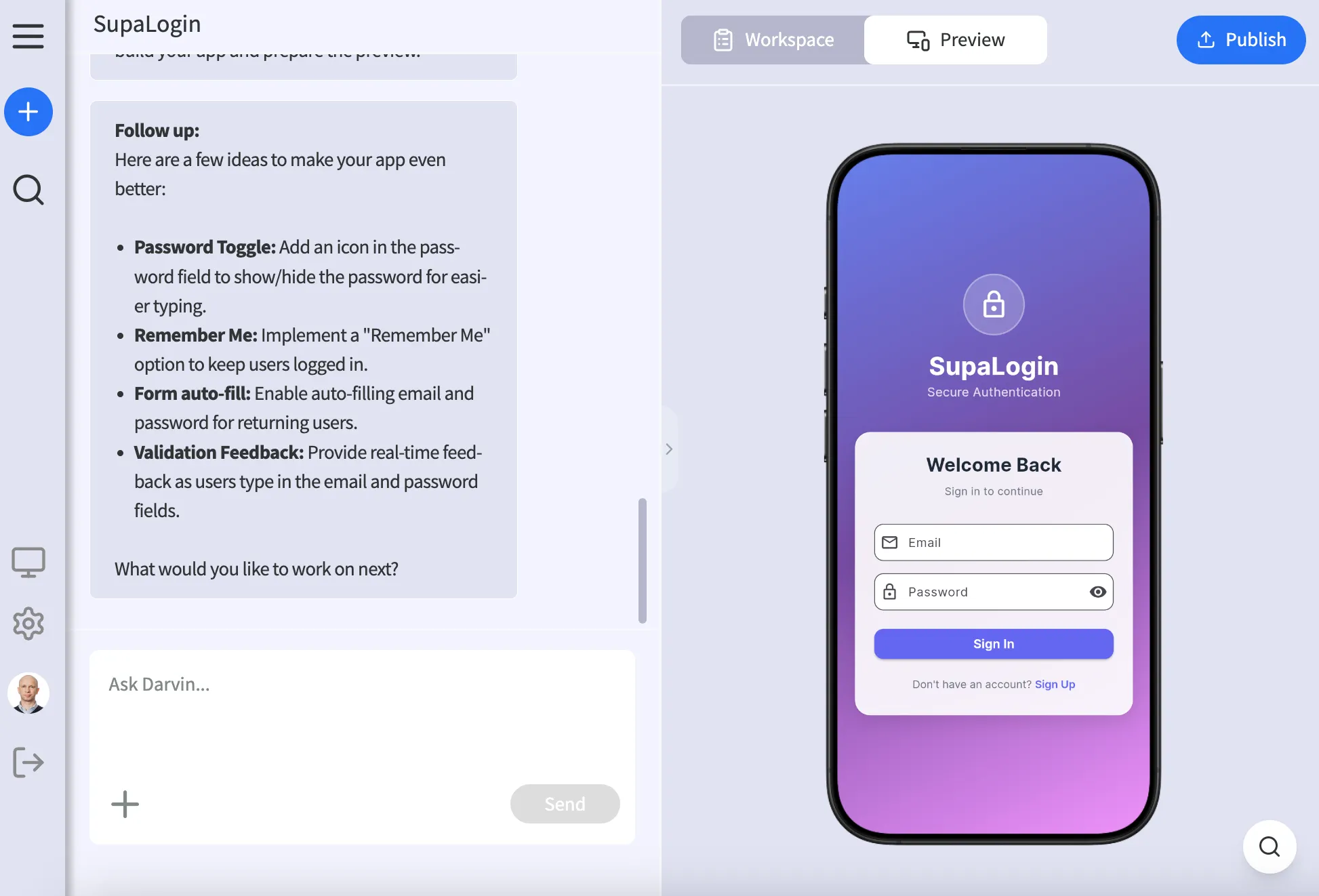
Build a simple app with Supabase that has:1. A login page where users can sign up or log in with email and password2. After login, show a welcome page with the user's email3. Add a logout button4. Make sure only logged-in users can see the welcome page
Keep it basic and clean.
Supabase details:Project URL: https://your-project.supabase.coAnon public key: your_anon_key_here
Primio generates your entire app — sign-up flow, login, logout, protected routes — without you writing a single line of code.
Result
Section titled “Result”After following these steps you have:
- Secure auth — handled by Supabase
- A profiles table — ready for your app’s user data
- A working app — built by Primio