An app for your venue's live shows
Give your fans one app for every show: tickets for the next one, tonight's show live from anywhere and past shows to replay with a membership. Your staff use the same app to check tickets at the door and see how the night is going.
The example is a music venue with a live chat, set lists and a room map, but the same pattern fits comedy clubs, theaters, churches, sports clubs, conferences or any place that runs events.
Primio builds iOS and Android apps from a description in plain words. Free to try — no credit card required.
Example screens
Example app with made-up data.
-
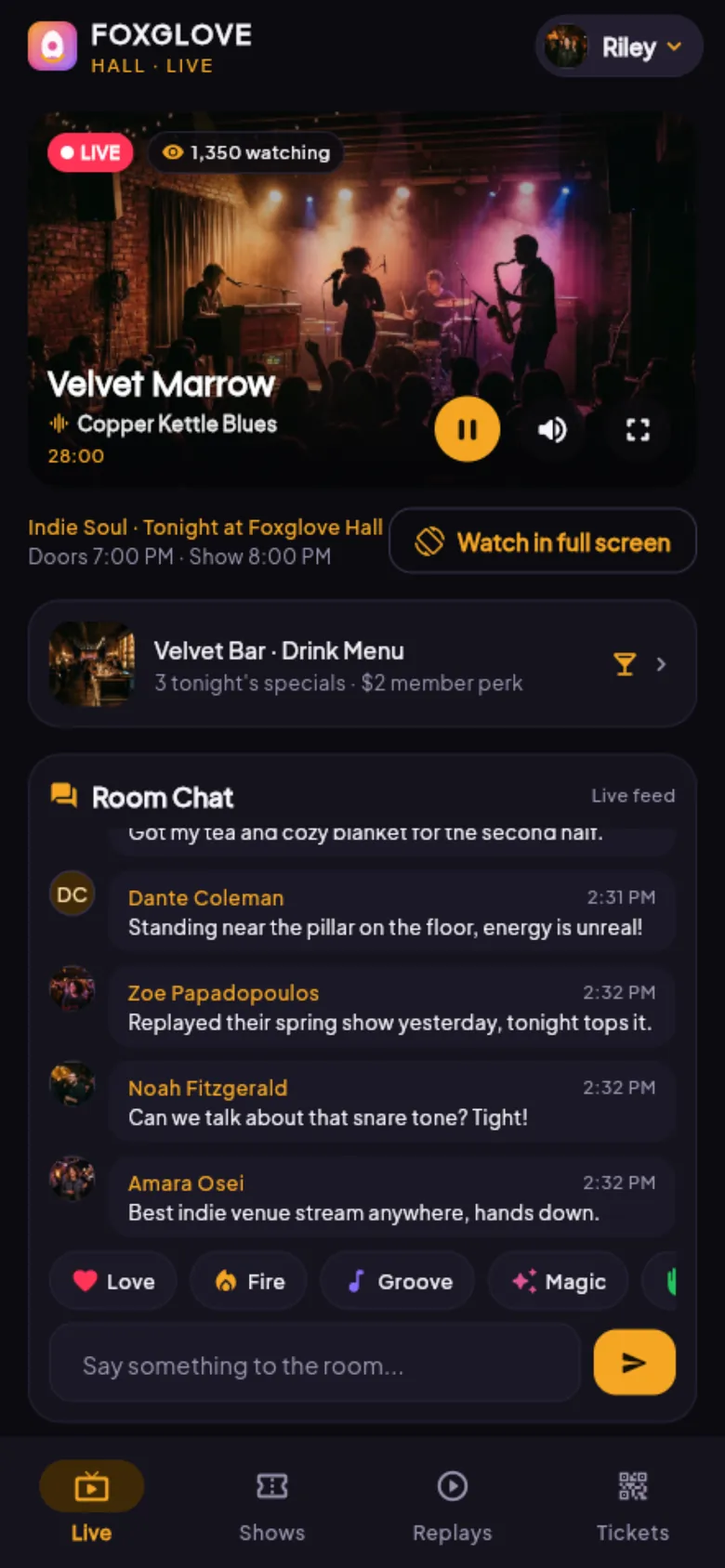
Tonight's show, live, with the room chat
-
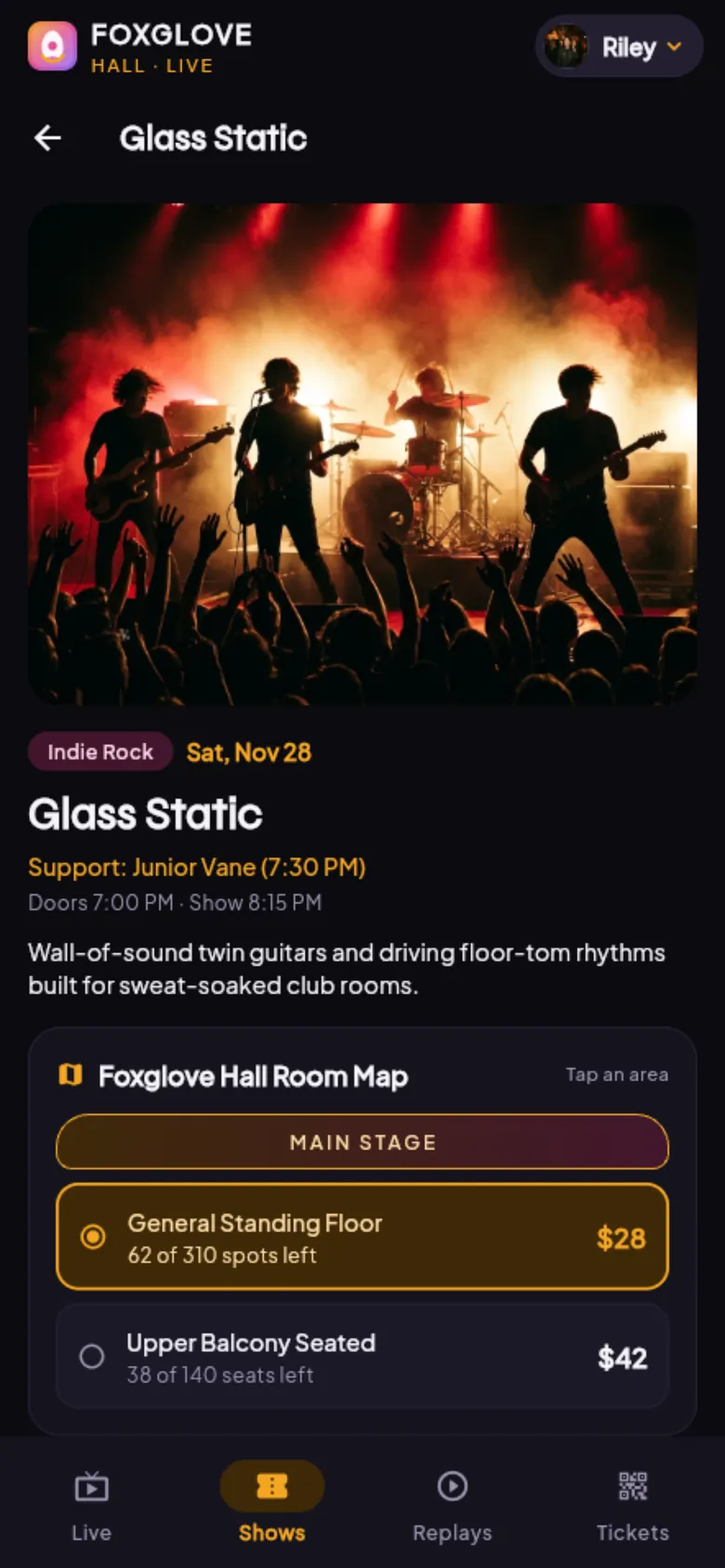
A show page with tickets by area
-
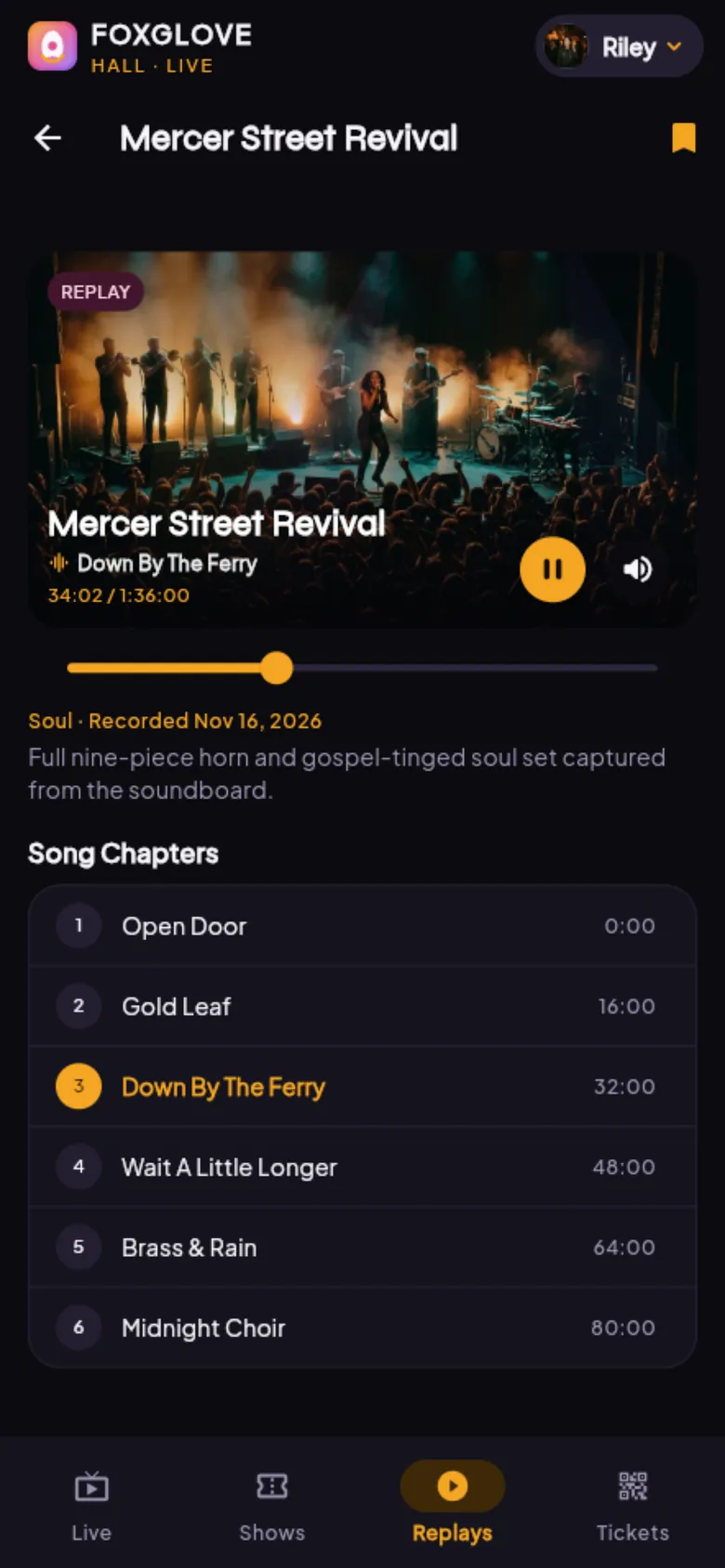
A past show to replay, song by song
What's in it
- Tonight's show streamed live, with a viewer count, the song playing and a live chat
- Upcoming shows with band photos, times, prices and what's sold out
- Tickets by area with a room map, kept in a wallet with a door code
- Replays for members, with a chapter for each song
- A staff side for checking tickets at the door and following the night's numbers
Who it's for
Venues and event organizers who sell tickets and want fans to come back between shows, in the room or from home.
- Music venues and clubs
- Comedy clubs and theaters
- Churches that stream their services
- Sports clubs
- Conferences and festivals
How it works
-
Describe your shows and tickets
Name your ticket types and prices, the areas of your room and what members get. Primio builds the show pages, the ticket wallet and the live player.
-
Connect your stream and payments
Link the streaming service you use for live shows and replays, add card payments for tickets and the membership through the app stores, and keep shows and tickets in a shared database.
-
Put it on fans' and staff's phones
Publish to the App Store and Google Play, invite fans from your website and at the door, and give your staff the same app for check-in.
Questions and answers
Can the app stream our shows live?
Yes, through a streaming service you choose. The app plays the live and replay links that service provides in its own player, and Primio builds the screens around it. The example shows a moving still of the stage, because its shows are made up.
Can fans pay for tickets in the app?
Yes. Tickets for shows at your venue can be paid by card with a payment provider such as Stripe, called from a small backend like a Supabase Edge Function so no secret key sits in the app. The example only shows a confirmation.
How does the membership work?
Members pay a monthly subscription through the App Store and Google Play, managed with RevenueCat, and the app unlocks every live show and replay for them.
Can staff check tickets at the door with the app?
Yes. Each ticket carries a code that staff scan with the phone's camera. The app marks it as used in a shared Supabase database, so a ticket can't get in twice, even at two doors.
Guides in the docs
Other example apps
All use cases-
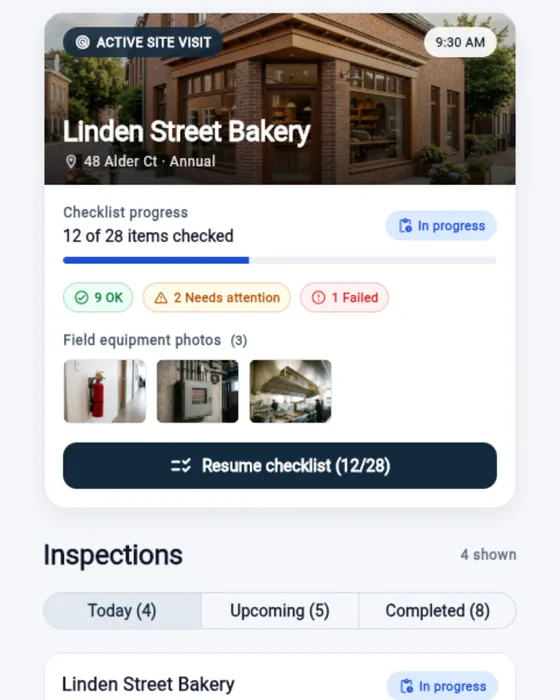 Inspections Checklists, photos and reports from the field
-
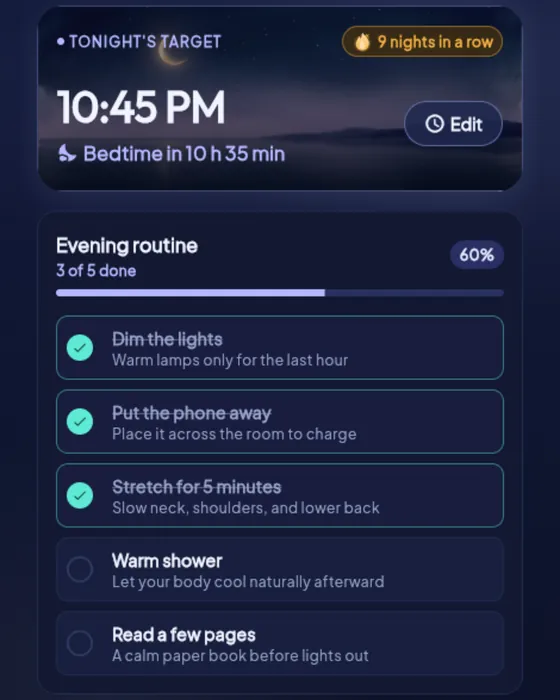 Habit tracker Routines, logs, insights and a Pro plan
-
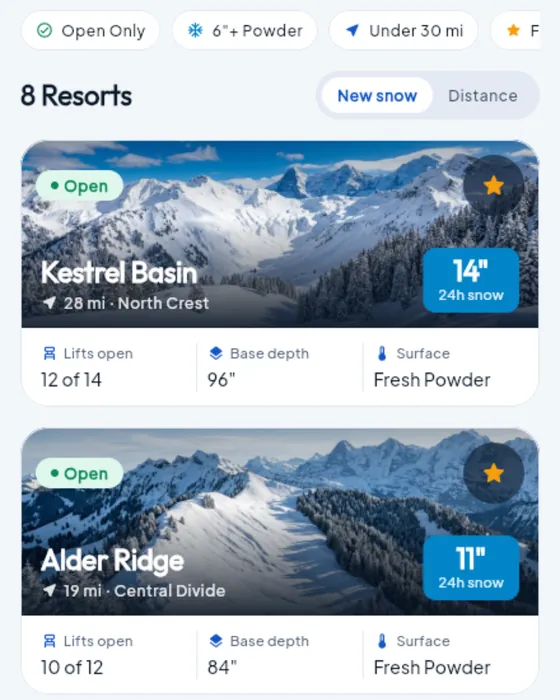 Live conditions Live status, favorites, alerts and a map
-
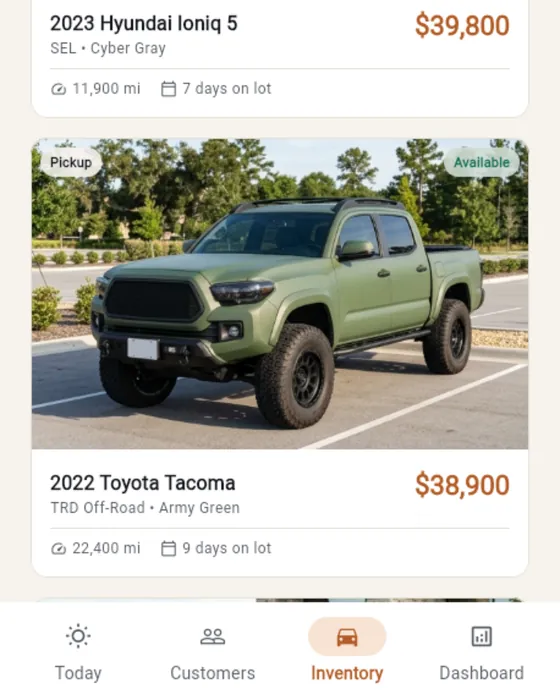 Sales CRM Leads, follow-ups, a pipeline and a sales dashboard
-
 3D game A 3D board, computer opponents and sets to buy
-
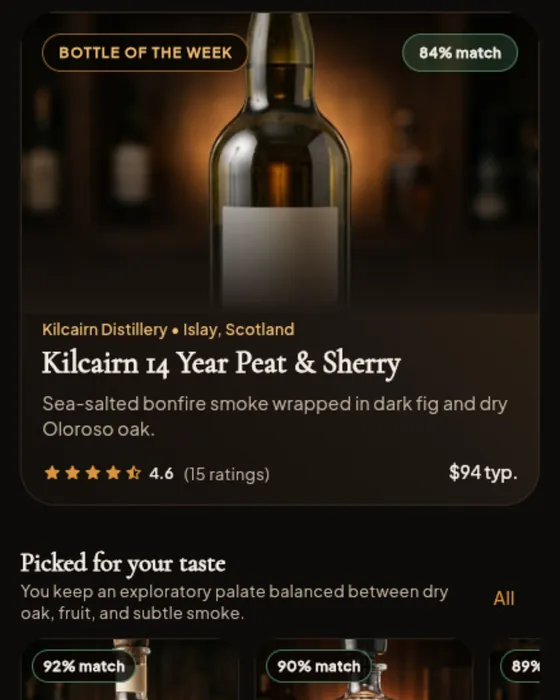 Scan and rate Scan a product, read ratings, keep a collection
-
 Field service Daily routes, stop checklists, readings and reports
-
 Pet care Bookings, packages and photo updates for owners
-
 AI redesign Before-and-after makeovers from a single photo