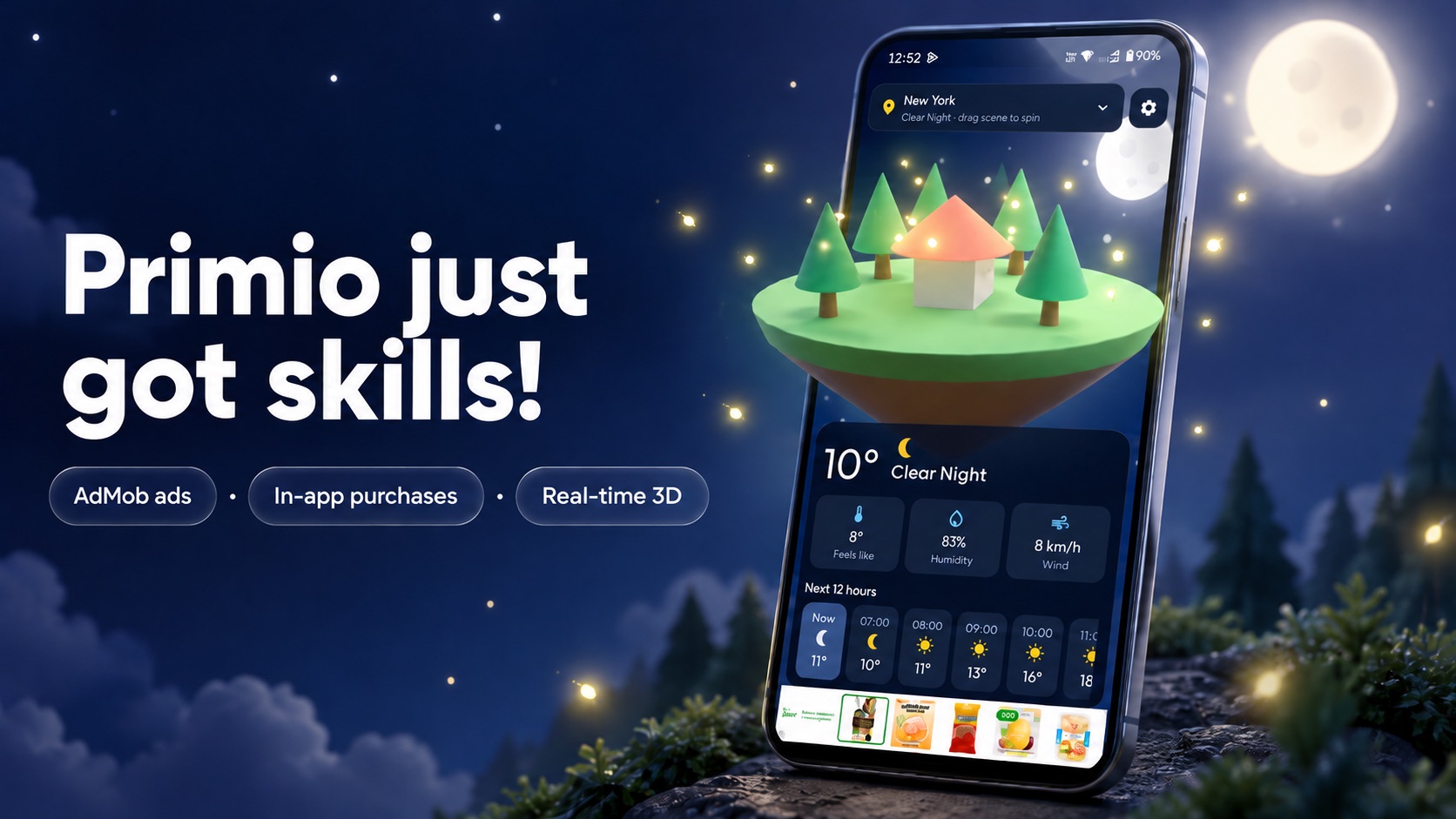
AI app builders are great at screens. Then you ask for ads, in-app purchases, local notifications, or a photo button, and things break: a permission popup that never appears, a crash on iPhone, or a Google Play rejection.
So we gave Primio skills: built-in know-how from experienced mobile developers for the features that are hardest to get right. Primio uses them automatically whenever your app needs them. You don’t have to turn anything on.
You can now describe a complete app, including ads, payments, and features that use the phone’s sensors, in just a few prompts.
What’s new
- Ads: Banners and rewarded videos with Google AdMob, including the privacy consent screen that Europe requires.
- In-app purchases and subscriptions: “Remove ads”, one-time unlocks, and monthly or yearly plans on the App Store and Google Play.
- Camera: Take photos, choose from the gallery, and scan QR codes and barcodes.
- Location and maps: Show where you are, find nearby places, and record a run.
- Microphone: Voice notes, sound meters, and playback.
- Motion sensors: Tilt games, compasses, spirit levels, and step counters.
- Reminders: Daily reminders and timers that ring even when the app is closed.
- Liquid Glass: Apple’s newest glassy look for tab bars, buttons, and sheets.
- 3D: Interactive 3D scenes, models, and games right inside your Flutter app. More on that soon.
- Firebase and Supabase: Connect to the backend you already have.
The details come with it
Each skill also takes care of the details you’d otherwise find out about the hard way. It asks for permissions at the right moment, adds the privacy text Apple checks for, and makes the feature work on both iPhone and Android.
That’s the difference between a feature that works in the preview and one that holds up on a real device and gets through store review.
This is just the start
We’ll keep adding skills so you can build more kinds of apps that work on every platform, without having to deal with the technical details.
If you’re adding ads or purchases, the Monetization guide and the AdMob docs cover the store-side setup. Then head to primio.dev and describe the app you’ve been holding off on.