An AI app that redesigns a backyard from one photo
People snap their yard from the back door, pick a style, and AI paints the same space as a finished garden they can compare with a before-and-after slider. Each design comes with its plants, materials and a cost estimate, and a Pro plan unlocks unlimited redesigns.
The example is a backyard redesign app, but the same pattern fits interior design, kitchen and bathroom remodels, exterior paint, hair and makeup try-ons or any business that sells a transformation people want to see before they pay for it.
Primio builds iOS and Android apps from a description in plain words. Free to try — no credit card required.
Example screens
Example app with made-up data.
-
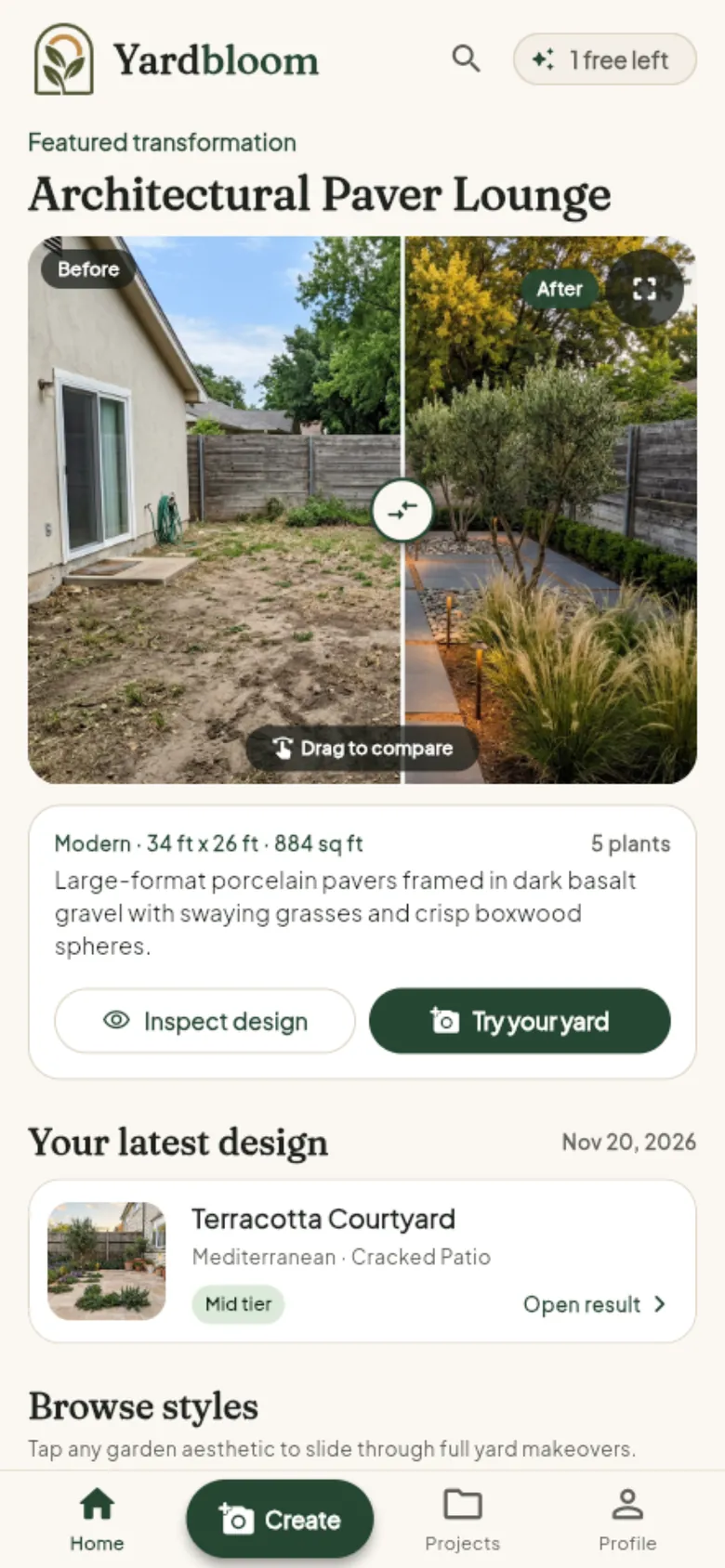
A featured makeover with a before-and-after slider
-
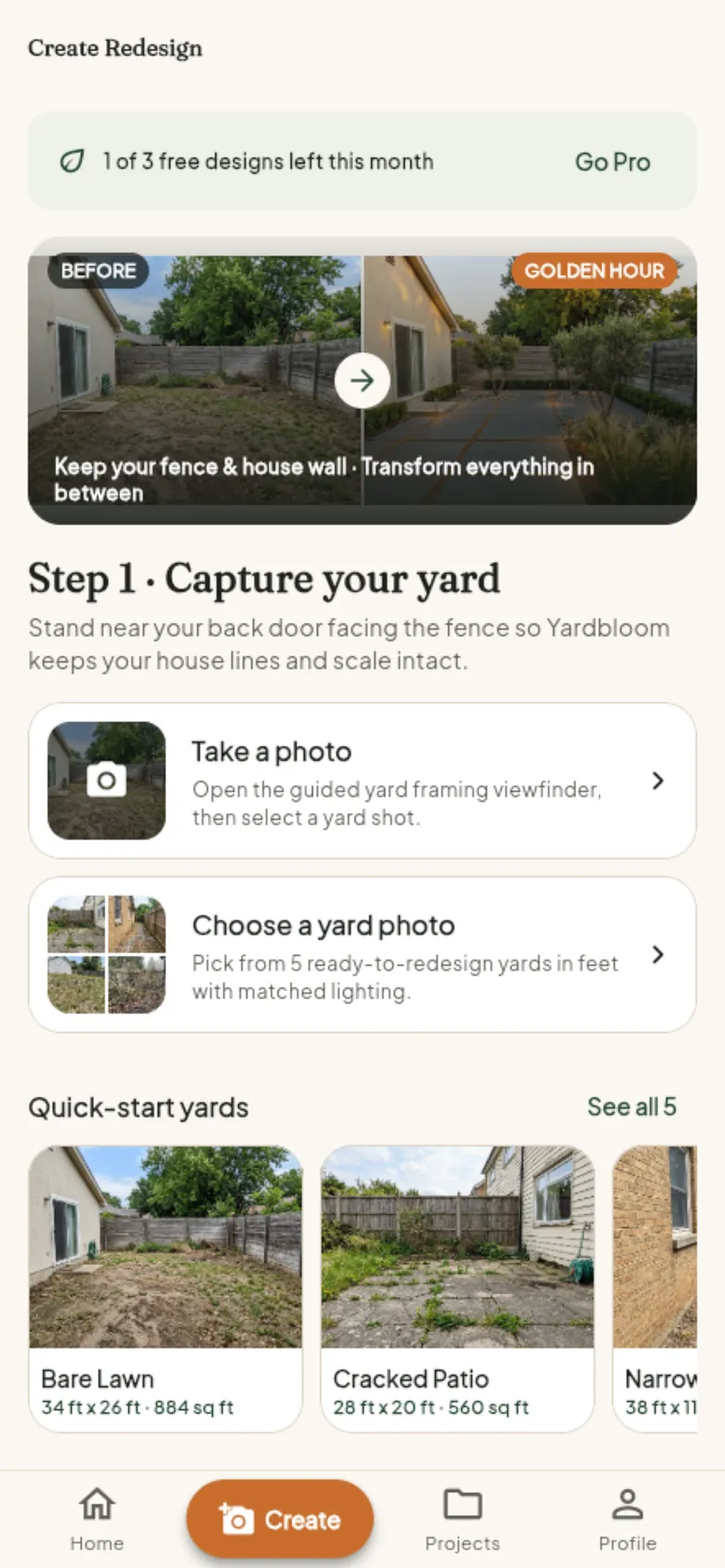
Starting a redesign from your own photo or a sample yard
-
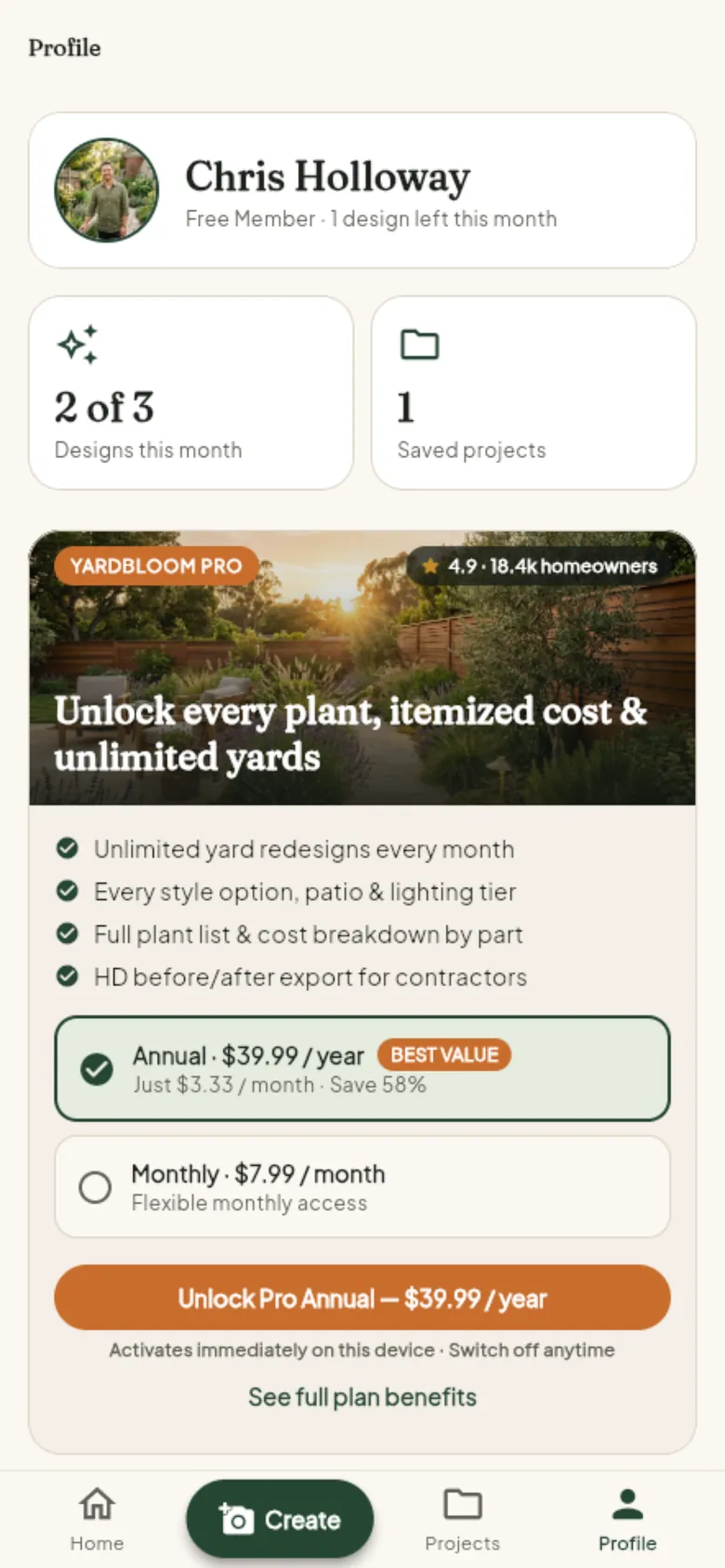
The profile with monthly designs and the Pro plan
What's in it
- AI makeovers of a real photo that keep the house, fence and scale
- A before-and-after slider to compare the yard with its redesign
- Styles and tiers that change the plants, patio and lighting
- A plant list and cost breakdown for every design, to share with a contractor
- Free designs each month, with a monthly or yearly Pro plan for unlimited ones
Who it's for
Businesses that sell a visible change and want customers to picture the result on their own space first.
- Landscapers and garden designers
- Interior designers and home stagers
- Remodeling and renovation companies
- Garden centers and nurseries
- Paint and flooring stores
How it works
-
Describe the makeover you offer
Name the styles, quality tiers and what each design should list, such as plants, materials and costs. Primio builds the photo capture, the AI request and the before-and-after view.
-
Connect AI, accounts and Pro
Send each photo to an image generation API, keep designs in a shared database with their own sign-in, and set up the free allowance and the Pro subscription.
-
Put it in the stores
Publish to the App Store and Google Play, and use the before-and-after images in your store screenshots, ads and social posts to bring people in.
Questions and answers
Which AI makes the redesigned images?
The app sends the photo and the chosen style to an image generation API that edits images, such as OpenAI or Google's Gemini, through a small backend that keeps your API key off the phone. The example shows ready-made results instead of calling a model.
How do the free designs and Pro subscription work together?
Each account gets a few free designs a month, counted on the server so reinstalling the app doesn't reset them. Pro is a monthly or yearly subscription through the App Store and Google Play, managed with RevenueCat, that lifts the limit.
Are the plant lists and costs accurate?
They're as good as the data behind them. You can keep your own plant catalog and prices in a database and have the app build each list from it, so the estimate matches what you actually sell and install.
Can customers send a design to a contractor?
Yes. The app can export the before-and-after image with the plant list and costs as a file or a share link, and a landscaping business can turn that into a quote request that lands with its own team.
Guides in the docs
Other example apps
All use cases-
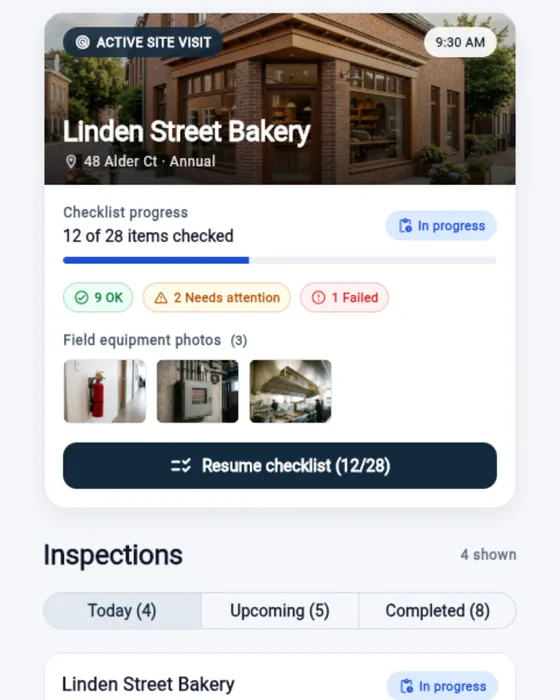 Inspections Checklists, photos and reports from the field
-
 Habit tracker Routines, logs, insights and a Pro plan
-
 Live conditions Live status, favorites, alerts and a map
-
 Sales CRM Leads, follow-ups, a pipeline and a sales dashboard
-
 Live events Tickets, a live stream, replays and door check-in
-
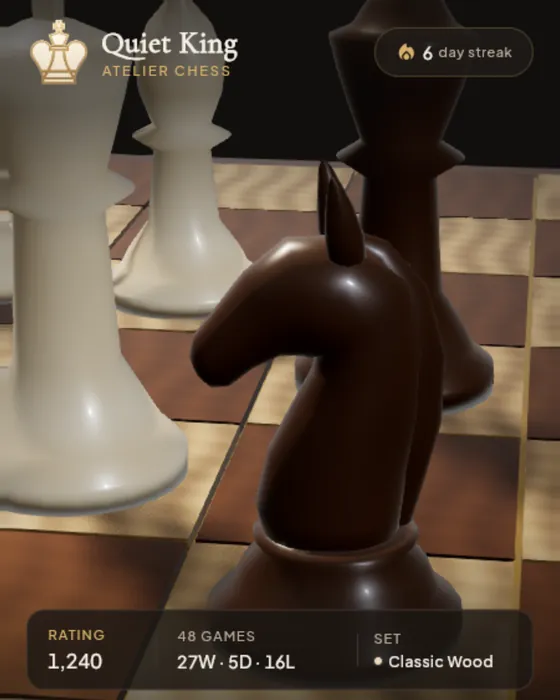 3D game A 3D board, computer opponents and sets to buy
-
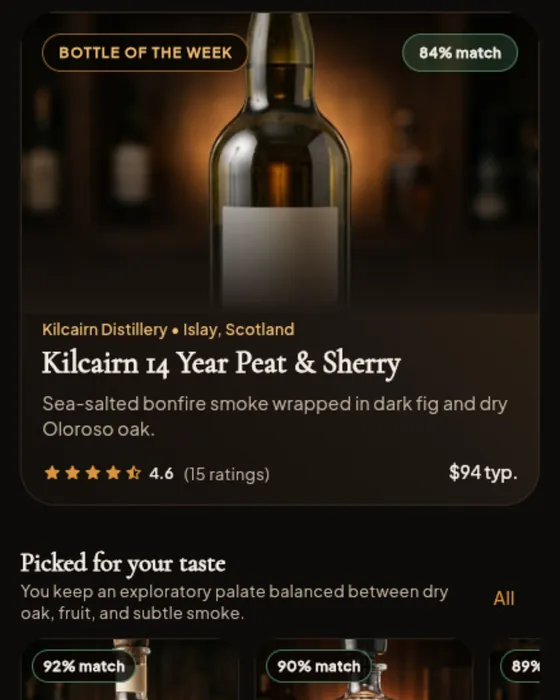 Scan and rate Scan a product, read ratings, keep a collection
-
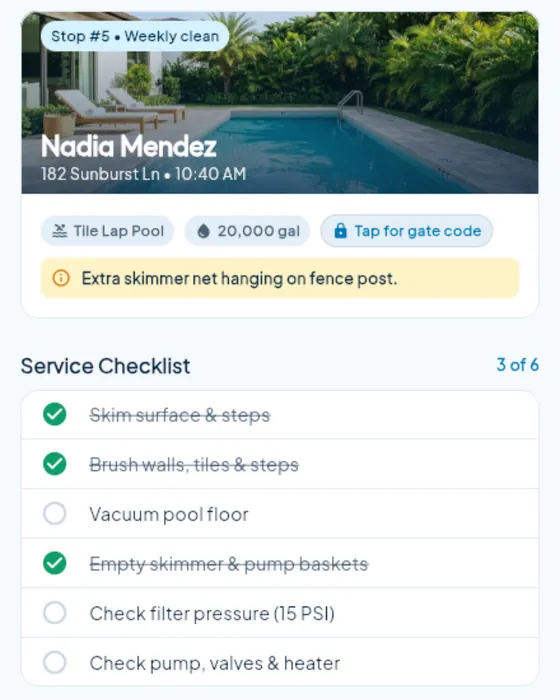 Field service Daily routes, stop checklists, readings and reports
-
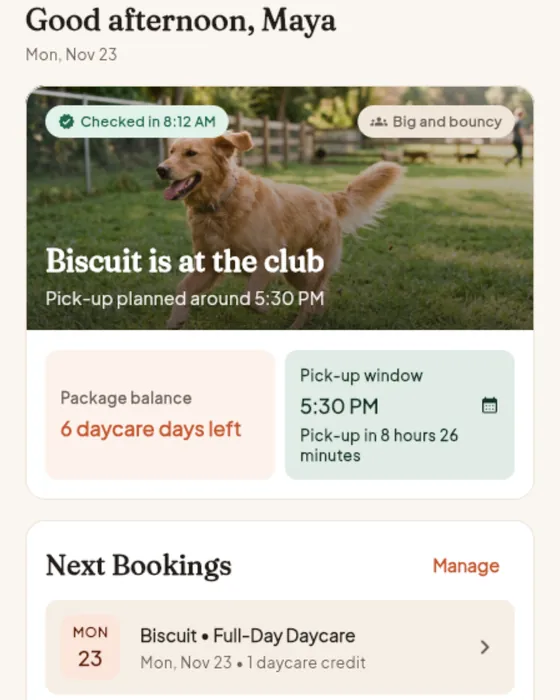 Pet care Bookings, packages and photo updates for owners