A 3D game with in-app purchases
Make a game people want to come back to: a 3D board in warm light, computer opponents with their own characters, a daily puzzle that keeps a streak going and piece sets to buy. The board and pieces are built in code, so the game stays light and smooth on a mid-range phone.
The example is a chess game, but the same pattern fits other board games, card games, puzzle games or any game with levels, opponents and items to unlock.
Primio builds iOS and Android apps from a description in plain words. Free to try — no credit card required.
Example screens
Example app with made-up data.
-
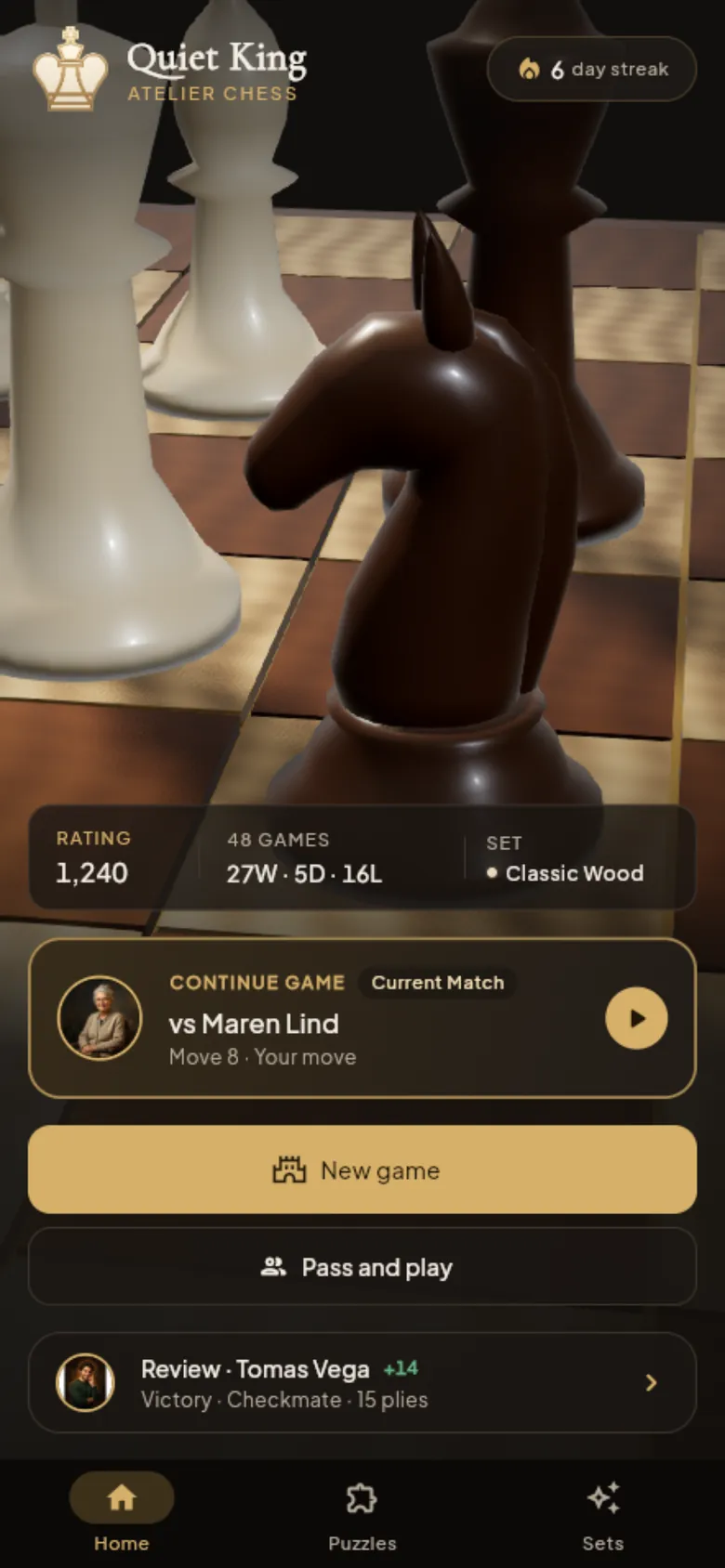
Home, with a 3D scene and the game in progress
-
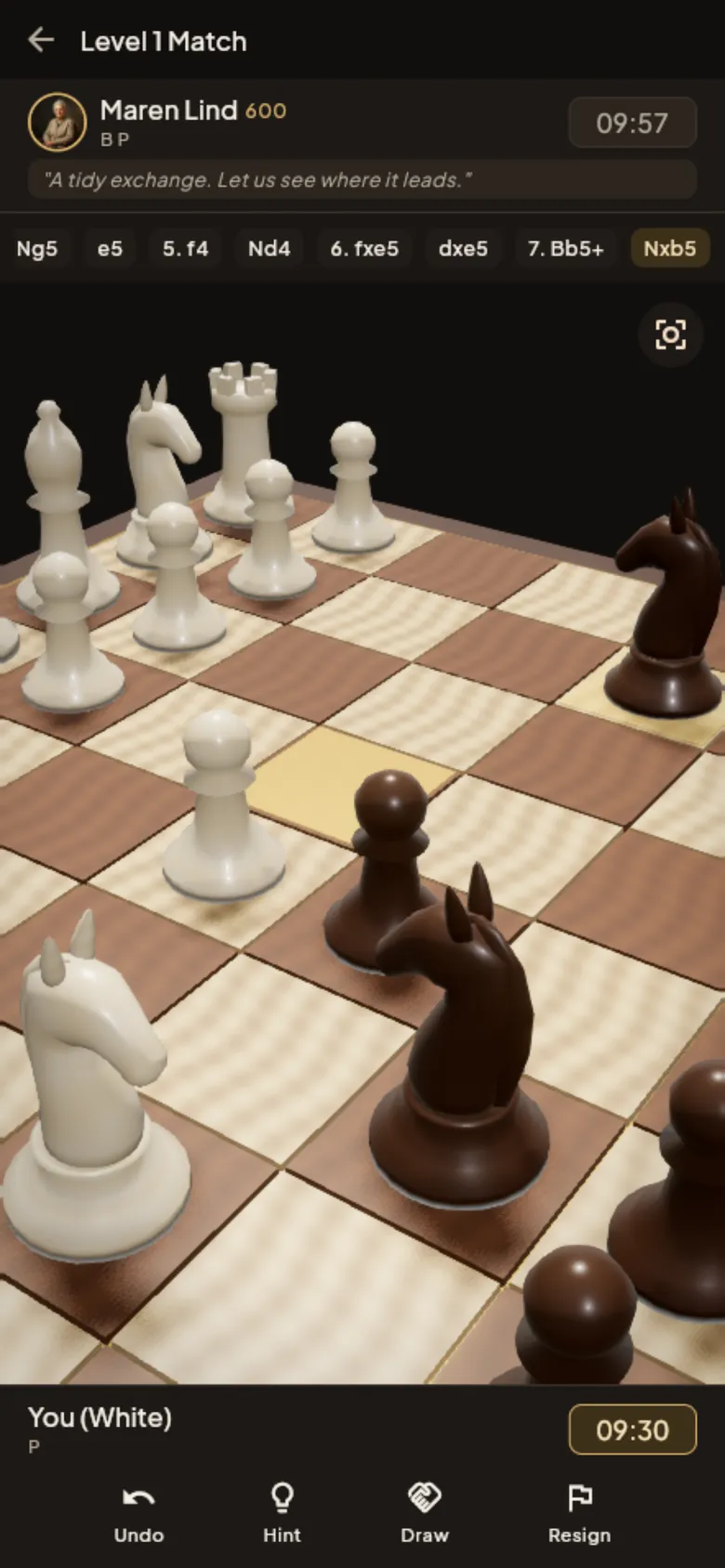
A game against a computer opponent
-
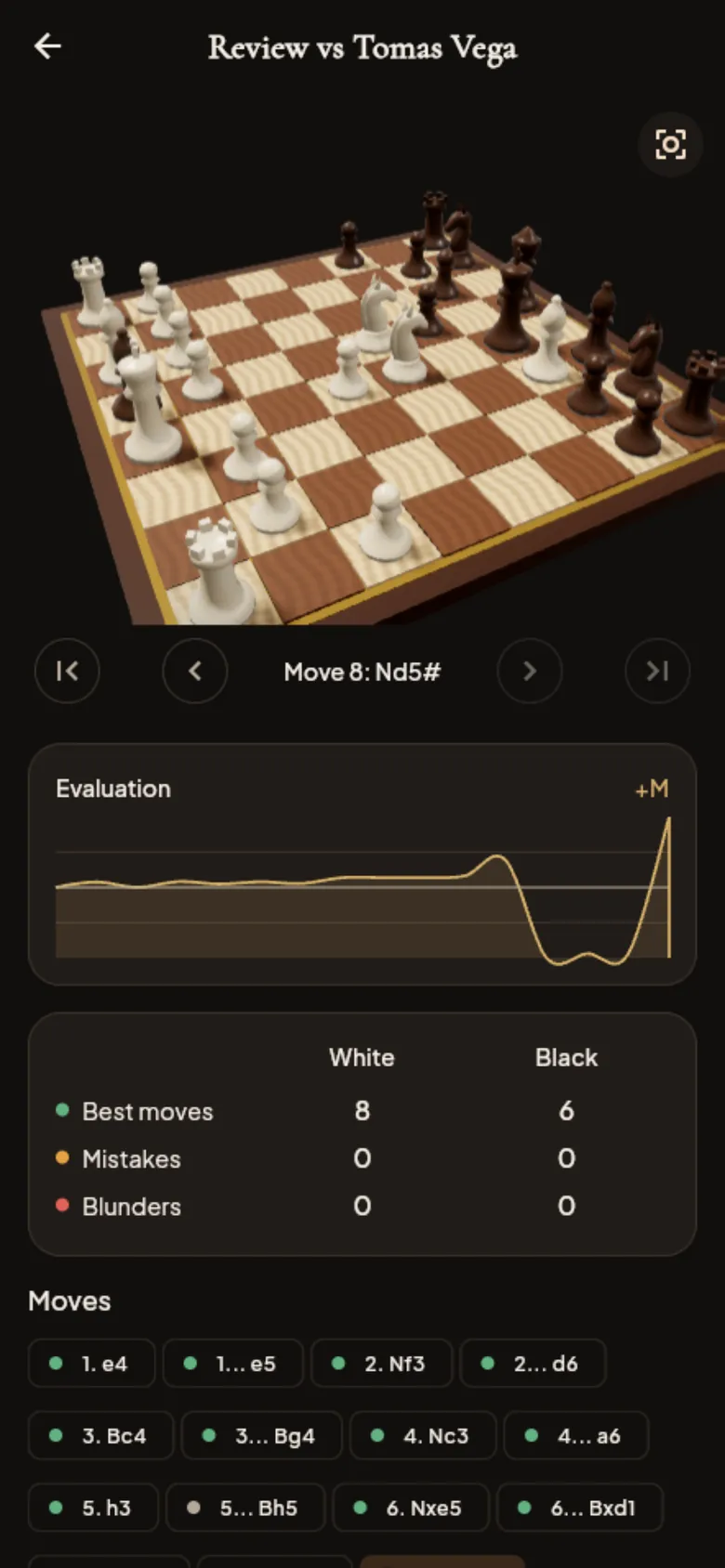
A review of a finished game, move by move
What's in it
- A 3D board and pieces built in code, with a camera you can turn
- Five computer opponents with portraits, levels and their own lines
- Clocks, hints, undo, draw offers and pass and play on one phone
- A daily puzzle with a streak and a calendar
- A game review with an evaluation graph and the best moves, mistakes and blunders
- Piece sets shown like products, with in-app purchases
Who it's for
Game makers and studios who want a polished mobile game on both app stores without writing a 3D engine.
- Indie game makers
- Board and card game publishers
- Chess and puzzle clubs
- Teachers making learning games
- Studios testing a game idea
How it works
-
Describe your game
Write the rules, the opponents, the screens and the look you want. Primio builds the 3D scene, the game logic and the menus, and generates the portraits and textures.
-
Add purchases and polish
Turn the piece sets or levels into in-app purchases through the App Store and Google Play, then play it in the preview and on your phone and refine it in chat.
-
Publish it
Build for the App Store and Google Play, add your screenshots and send the game to players.
Questions and answers
Can Primio build a 3D game?
Yes. The example draws its board and pieces in 3D with Flutter Scene, with the shapes built in code, so no model files are downloaded. It runs on phones and in Primio's web preview.
Does the computer opponent need a server?
No. The opponents play on the phone and answer within about a second, so the game works offline and costs nothing to run.
How do players buy piece sets?
Through in-app purchases in the App Store and Google Play, managed with RevenueCat, which unlock the set on every device the player signs in on. The example only shows prices and unlocks sets in the app.
Where do the portraits and textures come from?
Primio generates them with its image tool and bundles them in the app, so nothing loads from the internet while people play.
Guides in the docs
Other example apps
All use cases-
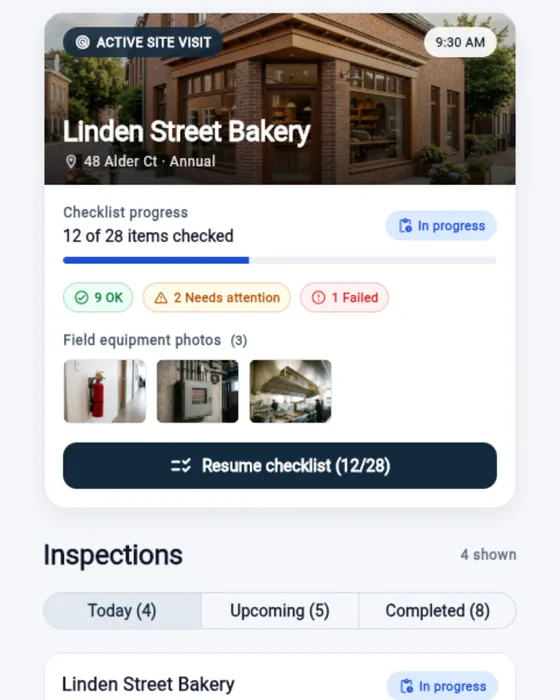 Inspections Checklists, photos and reports from the field
-
 Habit tracker Routines, logs, insights and a Pro plan
-
 Live conditions Live status, favorites, alerts and a map
-
 Sales CRM Leads, follow-ups, a pipeline and a sales dashboard
-
 Live events Tickets, a live stream, replays and door check-in
-
 Scan and rate Scan a product, read ratings, keep a collection
-
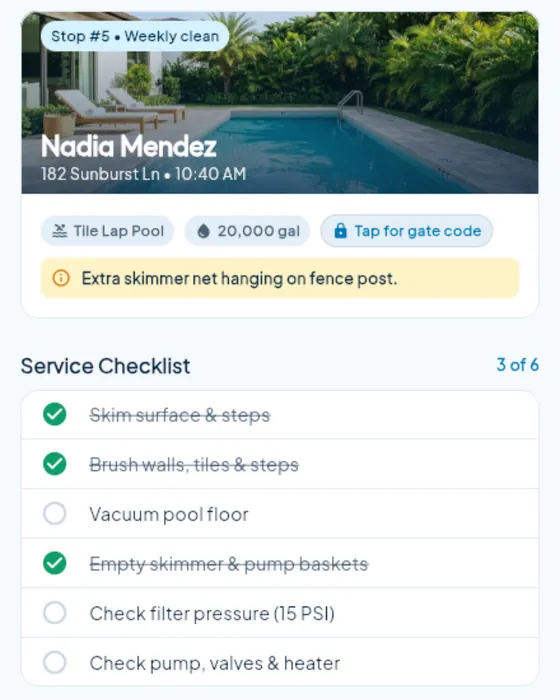 Field service Daily routes, stop checklists, readings and reports
-
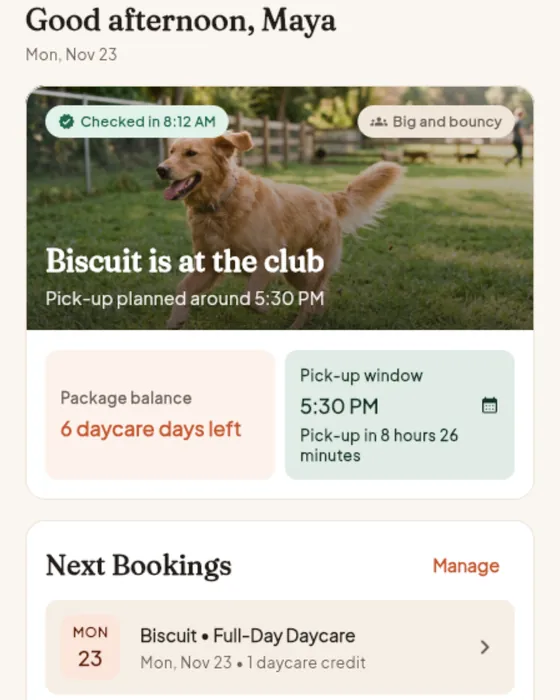 Pet care Bookings, packages and photo updates for owners
-
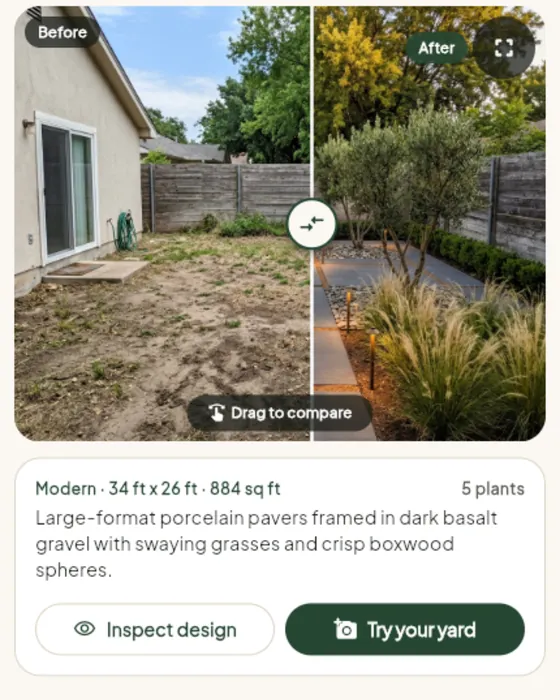 AI redesign Before-and-after makeovers from a single photo