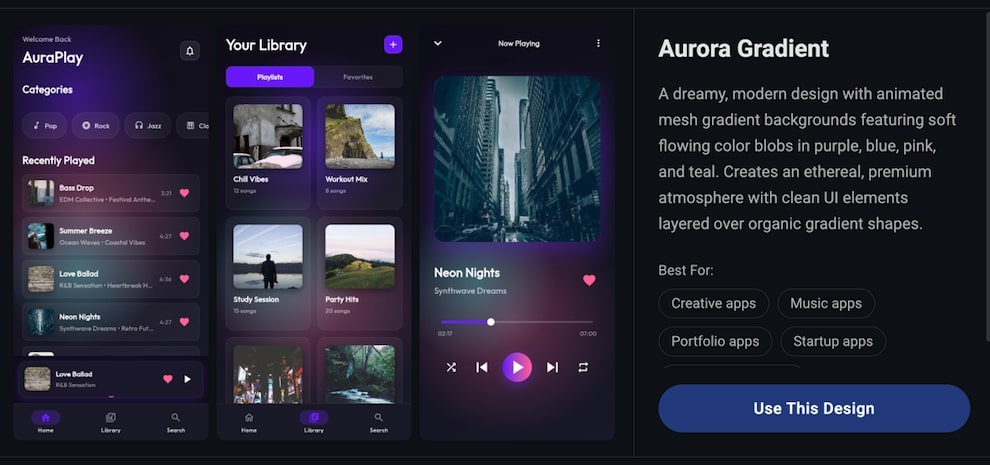
Building mobile apps with AI works best when you can communicate your vision clearly. That’s the idea behind our latest updates: giving you better tools to show Primio exactly what you want.
Gradient Builder
Gradients can make or break a mobile app’s visual appeal. Getting them right usually means tweaking hex codes, adjusting angles, and refreshing repeatedly until something clicks. The new Gradient Builder removes that friction entirely.
The visual editor lets you pick colors, adjust angles, and preview results in real-time. Choose from linear, radial, or sweep gradients, fine-tune your color stops, and see exactly how it will look before applying it to your app.
To open the Gradient Builder, click the Design Library button next to the prompt input.
Reference Files
When working on larger projects, telling Primio which file to modify can be surprisingly tricky. You might describe a screen, but Primio interprets it differently. Or you want to change a specific component buried deep in your project structure.
File references solve this problem. Type @ in the prompt field to browse your project files and select exactly which one you want Primio to work on. The reference appears in your prompt, and Primio focuses its changes precisely where you intended.
This small addition makes a noticeable difference in iteration speed. No more back-and-forth clarifying which file you meant.
Screenshot Cropping
Sometimes the easiest way to explain what you want changed is to point at it. The new screenshot tool lets you capture any part of your app preview, crop it to the relevant area, and attach it directly to your prompt.
Click the camera icon in the preview toolbar, select “Add to prompt”, then draw a box around the element you want to discuss. Whether it’s a misaligned button, a color that doesn’t feel right, or a layout that needs adjustment, you can now show Primio exactly what you’re looking at.
Note: The screenshot feature is currently not supported on Safari or Firefox browsers.
Building Better Apps Together
These features share a common goal: reducing the gap between what you imagine and what Primio builds. The clearer you can communicate, the faster you’ll reach a result you’re happy with.
Try them out at primio.dev.